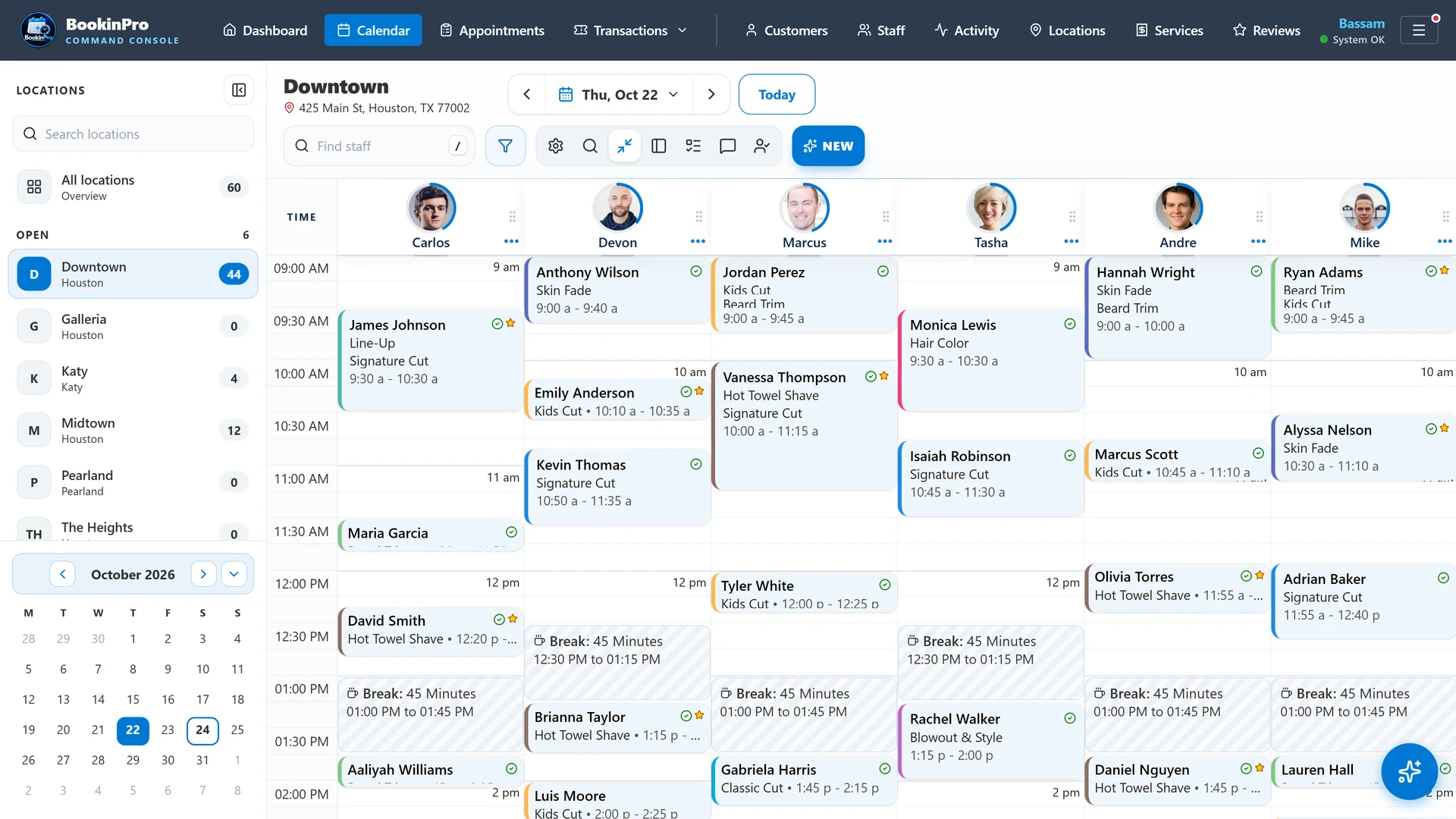
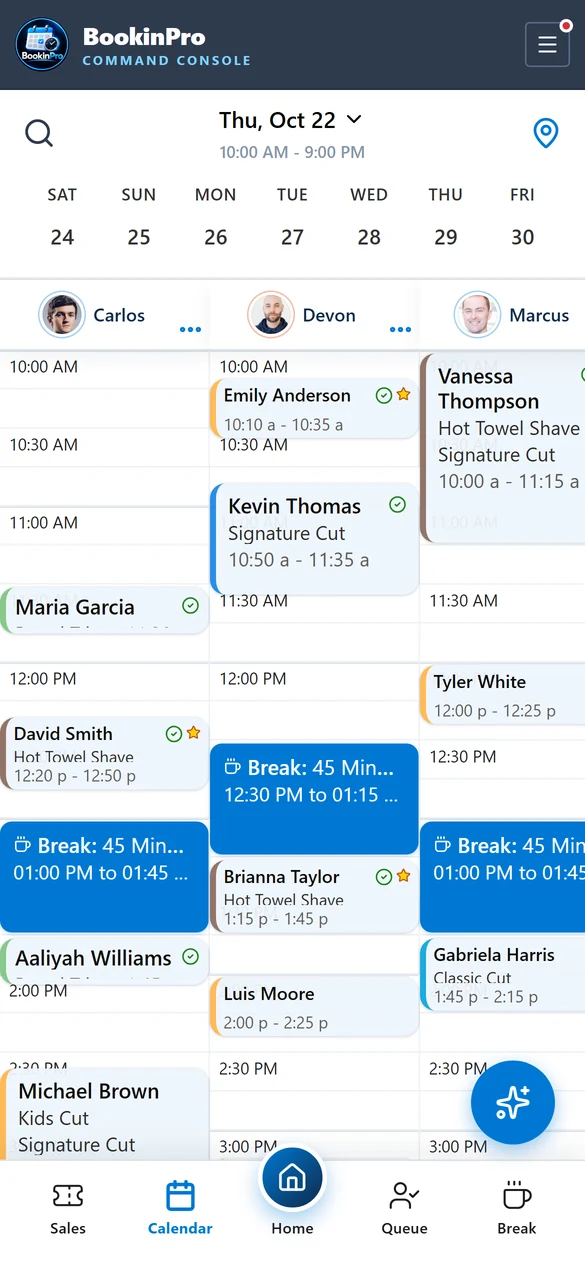
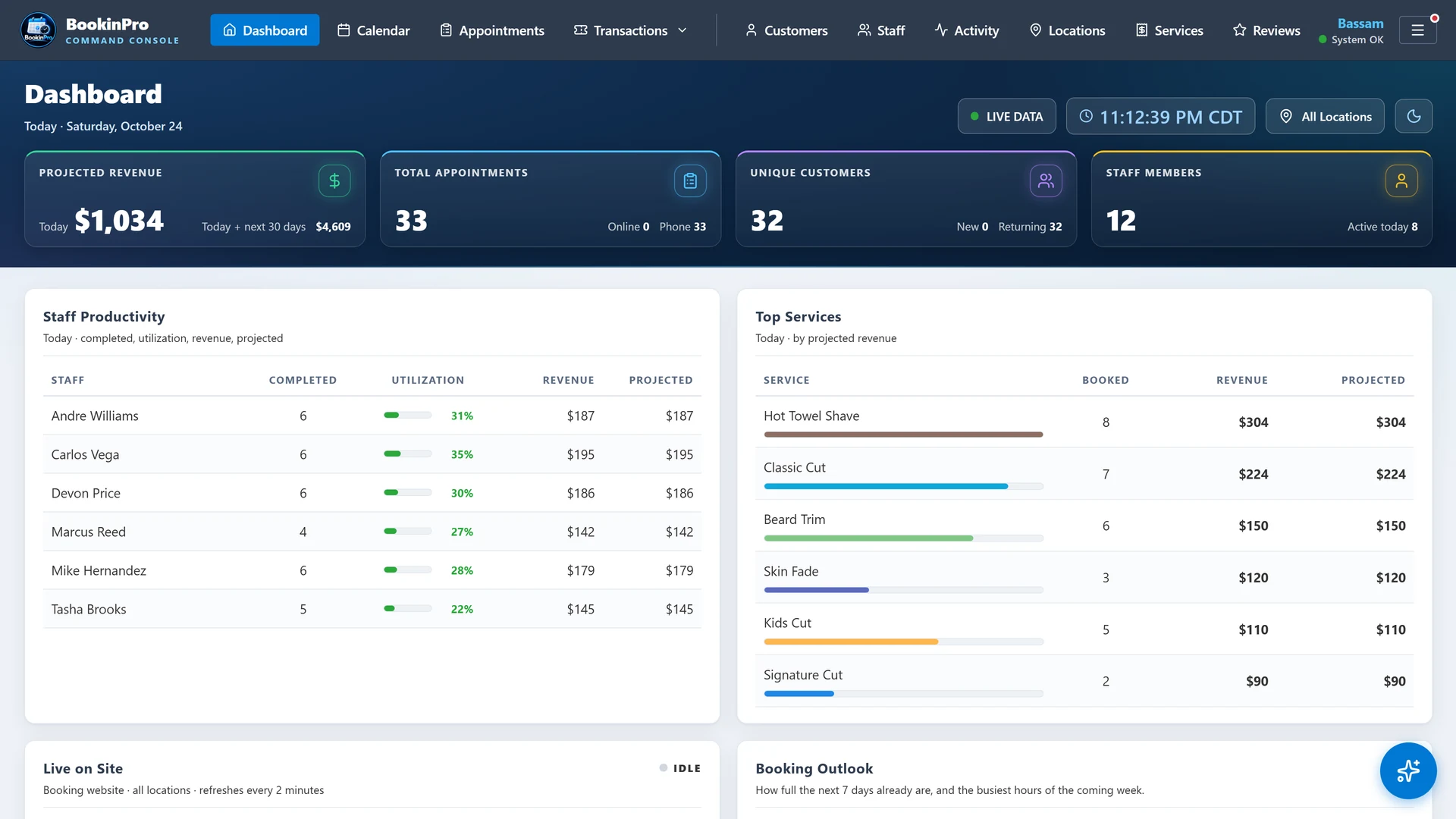
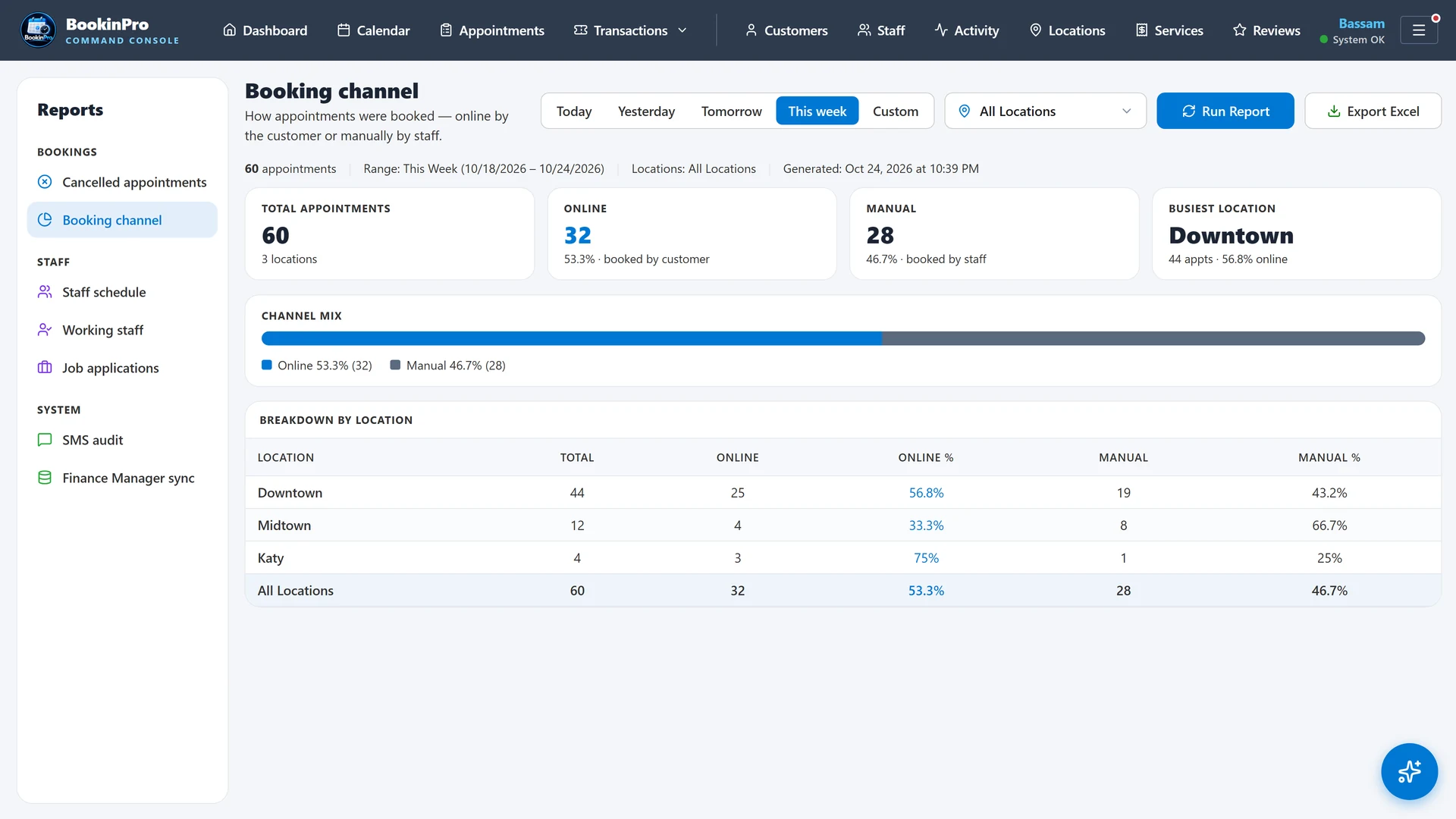
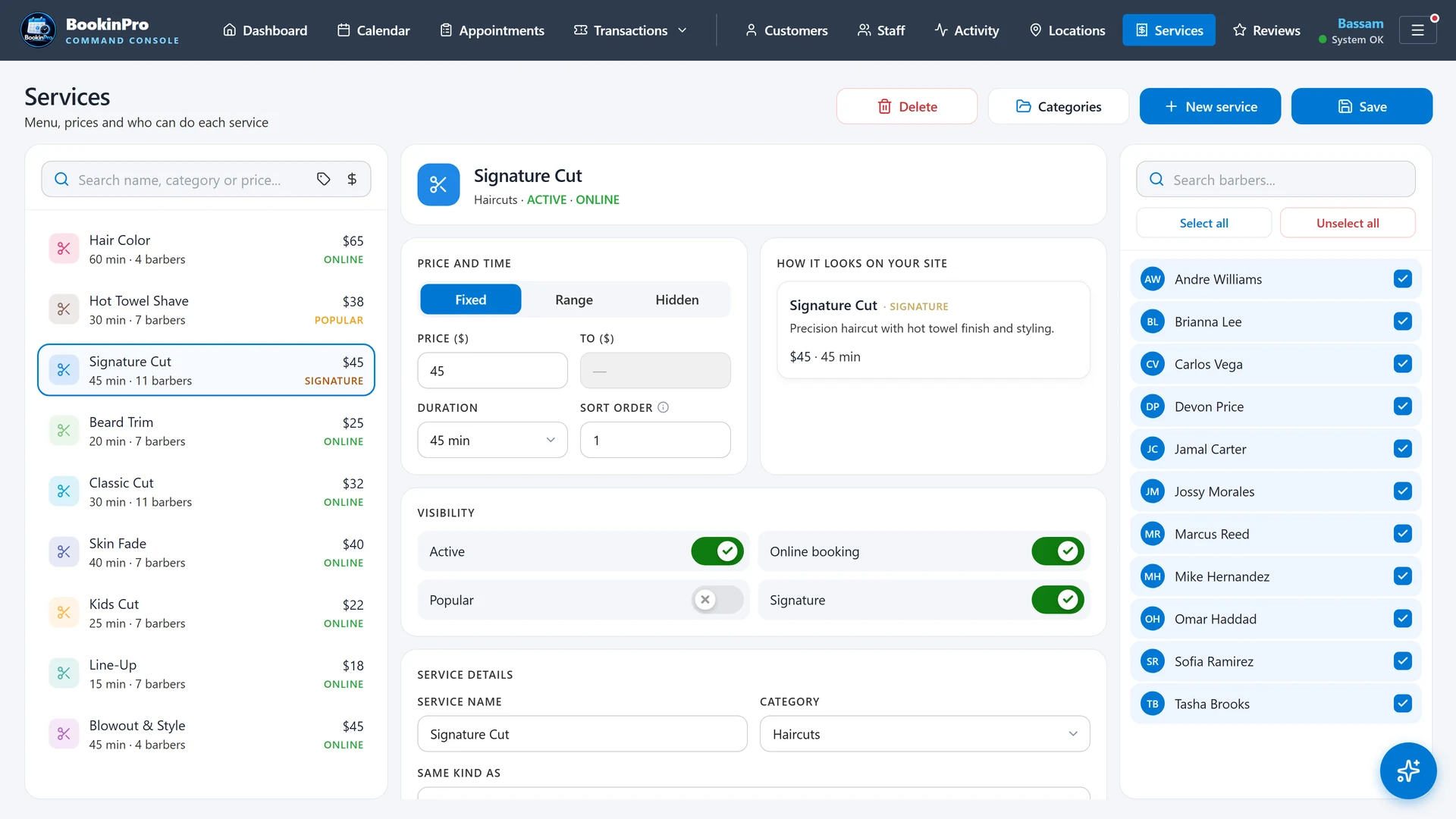
The calendar is the heart of BookinPro. Every staff member gets a column, every appointment is a colored card, and every change appears on every screen in the shop the moment it's saved. Nobody needs to press refresh.
admin.bookinpro.app/your-shop · Calendar
What you get
Side-by-side columns for every staff member, with first names and photos
Drag an appointment to a new time or to another staff member
Stretch a card to change its length, snapping to 5-minute steps
A green now-line that moves with the clock
Real-time sync across the front desk, back office and phones
Month calendar in the side panel; click the month name to jump back to today
Fit-to-screen and working-staff-only views
One-day schedule changes for sick days and covered shifts
Why it matters
When three people book at once, the calendar has to be the single source of truth. Live sync means nobody books a chair that was taken ten seconds earlier on another screen.
Best for
Busy shops with several chairs and more than one person taking bookings.
Breaks are part of the schedule, not an afterthought. Set them once, repeat them on any pattern, and move them with a drag when the day changes.
What you get
One-off or repeating breaks: daily, weekly, monthly or yearly
Edit just one day, or every day from that one forward
Skip a single day without breaking the pattern
Drag a break to a new time on desktop or phone; a repeating break moves for that day only
A break can never be dropped on top of a booked customer
Breaks block online booking automatically
Phone break sheet with one-tap lengths: 15, 30, 45 minutes or 1 hour
Why it matters
Online booking only works when the system knows when people are actually free. Repeating breaks keep lunch protected without anyone re-entering it every week.
Best for
Teams with set lunch hours, school runs or regular meetings.
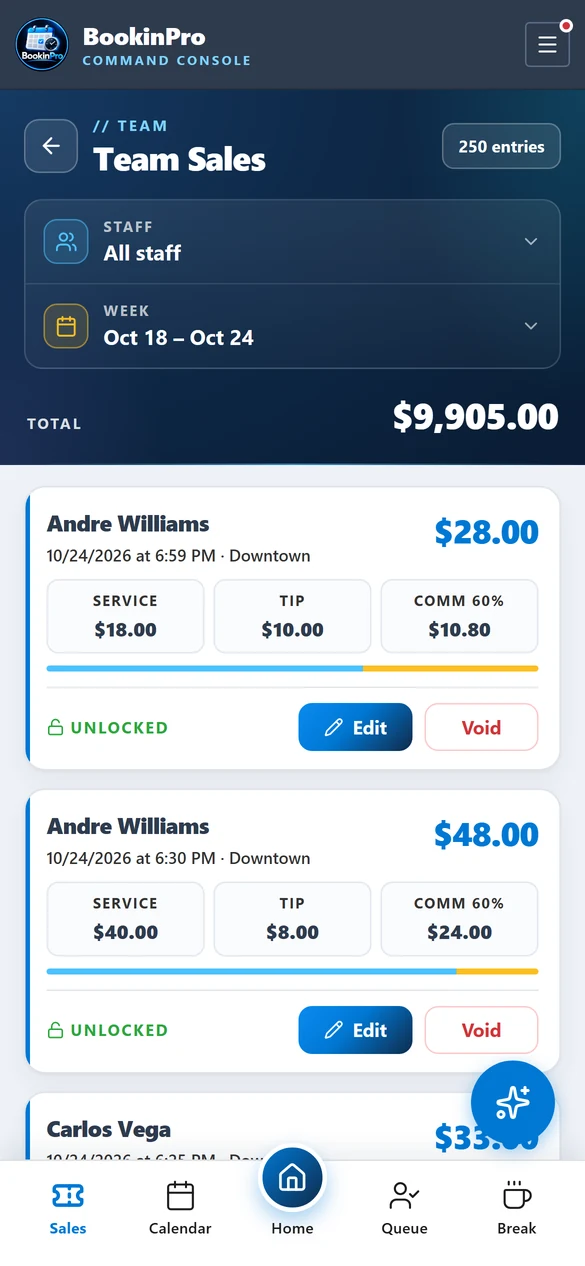
Walk-ins are fair when the line is clear. Next Barber Up orders your team by who served a customer least recently, using the shop's sales tickets, so the next walk-in goes to the right chair.
What you get
The rotation updates itself from real sales tickets
Separate lines for barbers and stylists, grouped by staff title
Show both lines or just one with a single tap
Drag to reorder when the shop needs to
Color badges show who's available and who's with a client
A red marker for staff whose shift is ending soon
Back-dated or voided tickets never scramble the line
Why it matters
No more arguments over whose turn it is. The rotation is transparent, automatic and the same on every screen in the shop.
Two customers can't take the same chair at the same time. BookinPro checks the schedule again at the last second before saving, and holds an online time slot while the customer finishes booking.
What you get
A last-second conflict check before every save from the calendar
A clear warning instead of a silent overlap
Online time slots held while the customer enters their details
Abandoned holds released automatically
Server-side slot check for every booking from the website
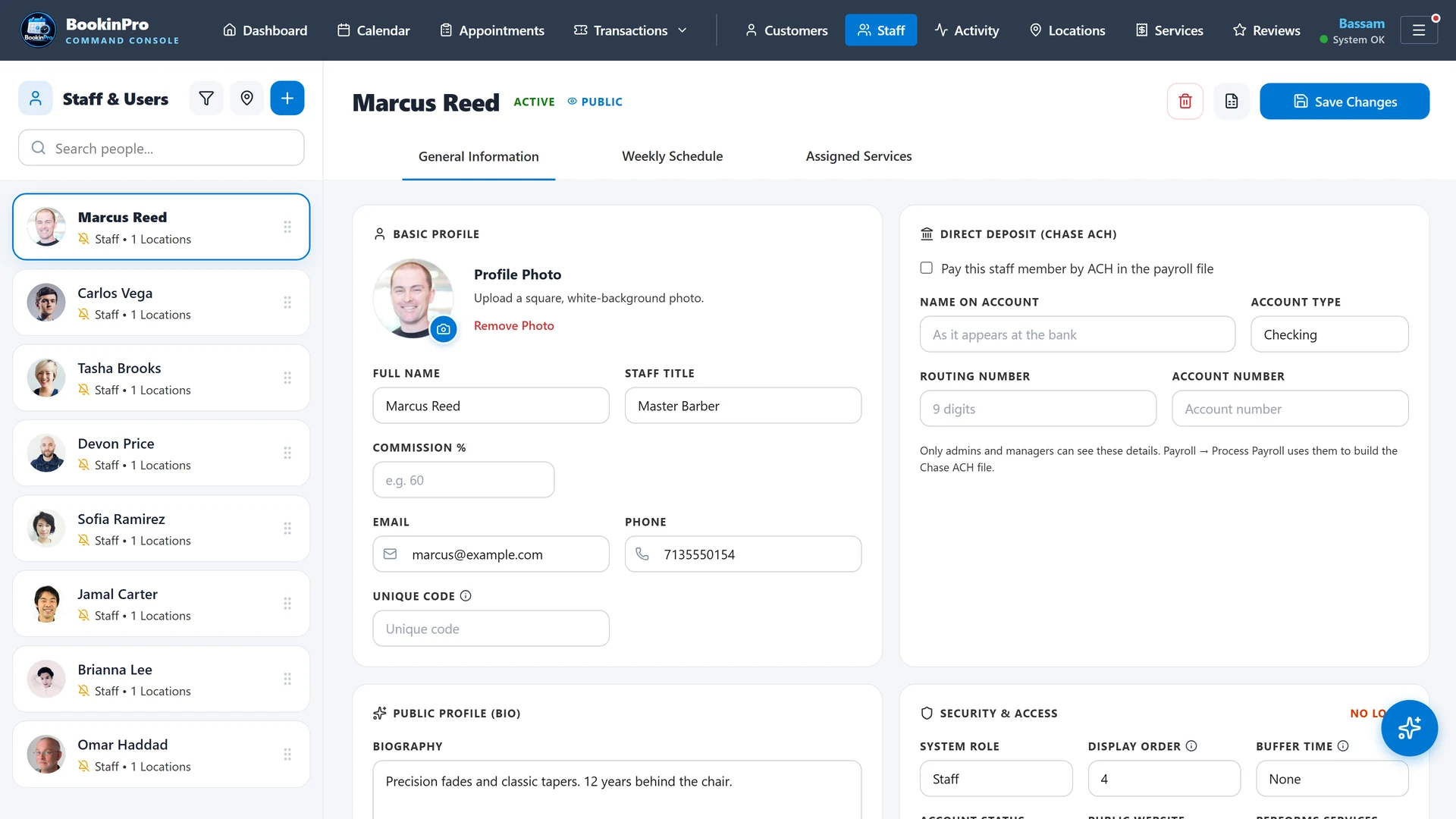
Buffer time per staff member between appointments
Why it matters
A double-booked customer is a lost customer. Protection happens automatically, even when the front desk and the website book the same minute.
Best for
Any shop that takes online bookings alongside phone and walk-in traffic.
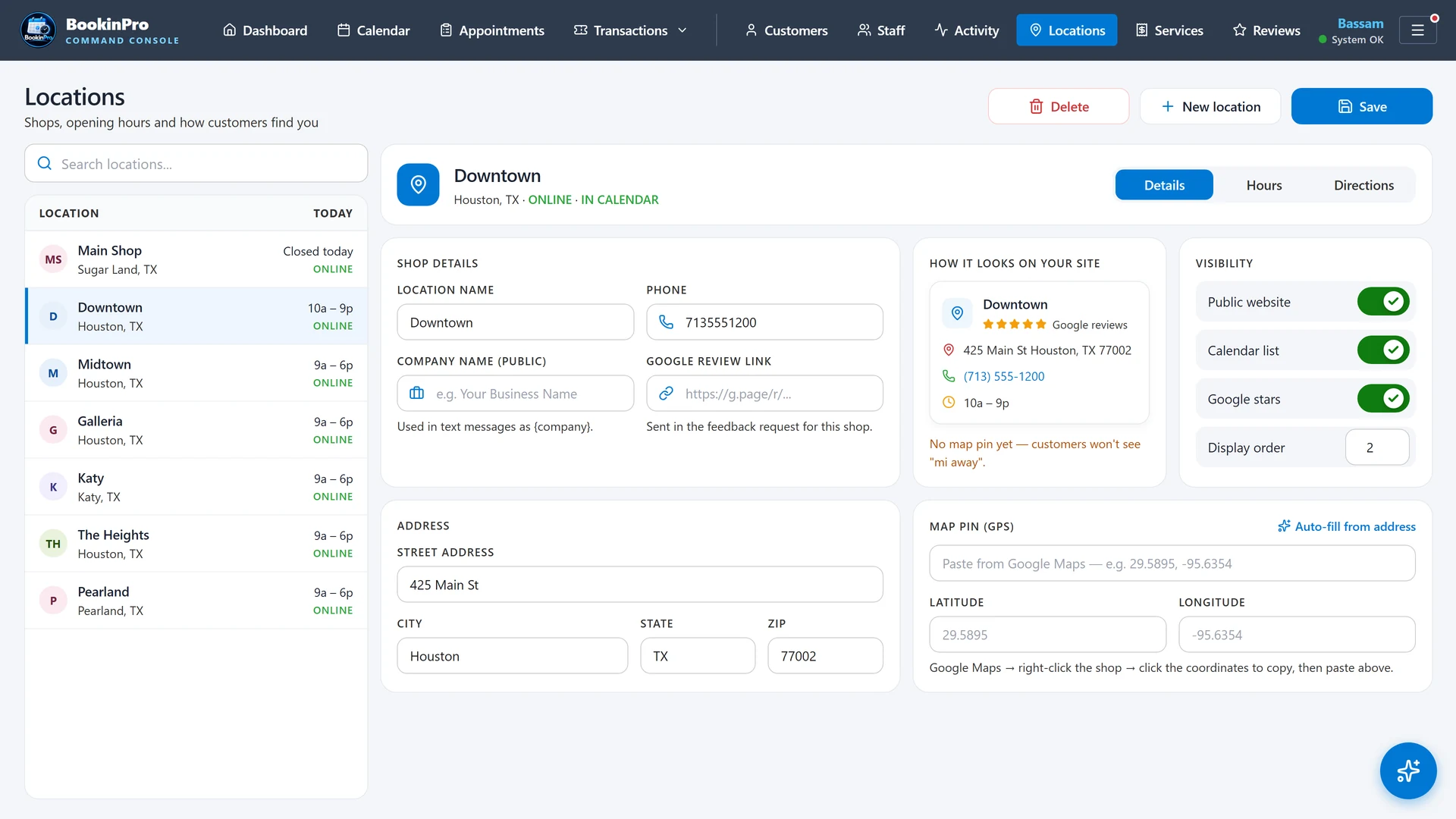
Every shop gets its own booking page at bookinpro.app/your-shop. Customers choose a location, services, a professional and a time, from availability that is always live.
What you get
Five-step guided booking: location, service, professional, time, details
Live availability from staff schedules, breaks and shop hours
"Any available professional" option
Several services in one visit, with running price and time totals
Seven-day date strip and a step progress bar
You set the booking window and minimum notice; past times never show
"Fully booked" shows when a professional has no openings left today
Your Google star rating shown on the site, refreshed daily
Your logo, colors and text-message opt-in wording
Why it matters
Customers book at 11 PM. Your phone doesn't have to ring, and the chair still fills.
Best for
Every shop that wants fewer phone calls and more bookings.
Customers don't need to remember another password. They sign in with a one-time code sent to their email or phone and see all their visits in one place.
What you get
One-time sign-in codes by email or text message
Codes expire quickly and allow only a few tries
Upcoming and past visits in one list
Reschedule or cancel within the rules you set
Visit history linked automatically by verified email or phone
Built-in protection against someone registering a customer's email
Why it matters
Self-service rescheduling cuts phone calls, and safe sign-in keeps every customer's history private.
Before the appointment the customer gets a text with a check-in link. One tap tells the shop they've arrived: no clipboard and no line at the front desk.
What you get
A check-in link sent automatically before the visit
One tap checks the customer in, and the calendar updates live
Families booked back-to-back on one phone get a single text that checks in everyone
No check-in text for visits booked in the last 2 hours; they just got a confirmation
Both rules can be switched off in settings
Why it matters
Fewer texts, less noise, and staff know exactly who's waiting.
Best for
Shops with a waiting area and back-to-back appointments.
Confirmations and reminders go out on schedule, by text and email. If the main text provider has a problem, the backup provider sends the message instead.
What you get
An instant confirmation when an appointment is booked
Reminders at the lead times you choose
Cancellation and reschedule messages
Automatic failover to a backup text provider, with retries first
A delivery log for every message: sent or failed, to whom, by whom and when
STOP and opt-out replies handled automatically
Email templates that display correctly in Outlook and Gmail
Why it matters
A reminder that never arrives becomes a no-show. Failover means one provider's bad day doesn't become yours.
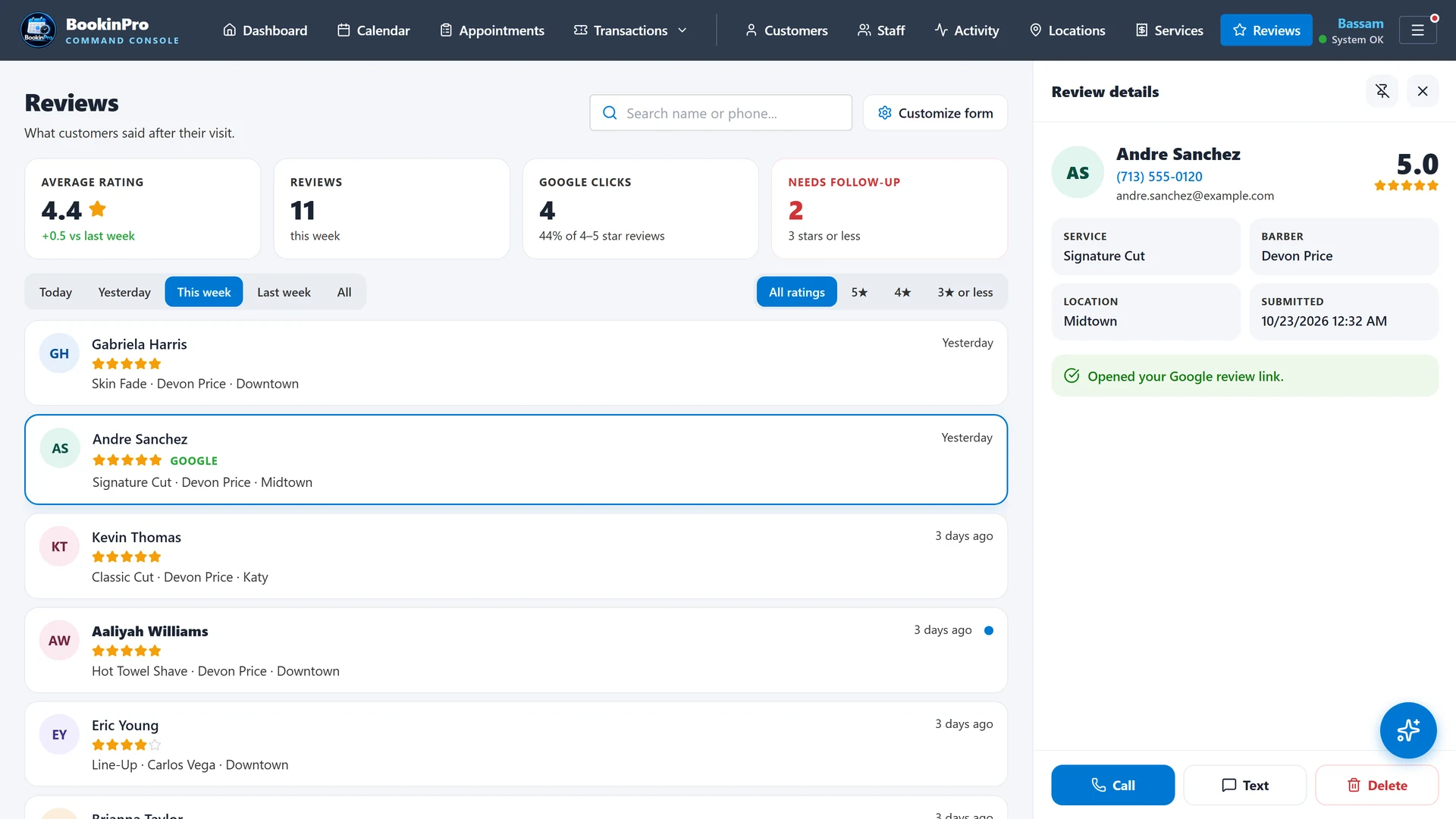
After the visit, customers are asked how it went. Happy customers are guided to your Google review page; unhappy feedback comes to you privately, so you can make it right first.
admin.bookinpro.app/your-shop · Reviews
What you get
A feedback request sent automatically after completed visits
Happy customers guided to your Google review page
Unhappy feedback delivered privately to you
Reviews dashboard with summary tiles, filters and a detail panel
Call, text or delete straight from a review
The menu star flashes only when new reviews arrive
Google rating and review count refreshed daily on your booking site
Why it matters
Most new customers check your stars before they book. More five-star reviews, fewer public surprises.
Best for
Any shop that wants to rank higher on Google Maps.